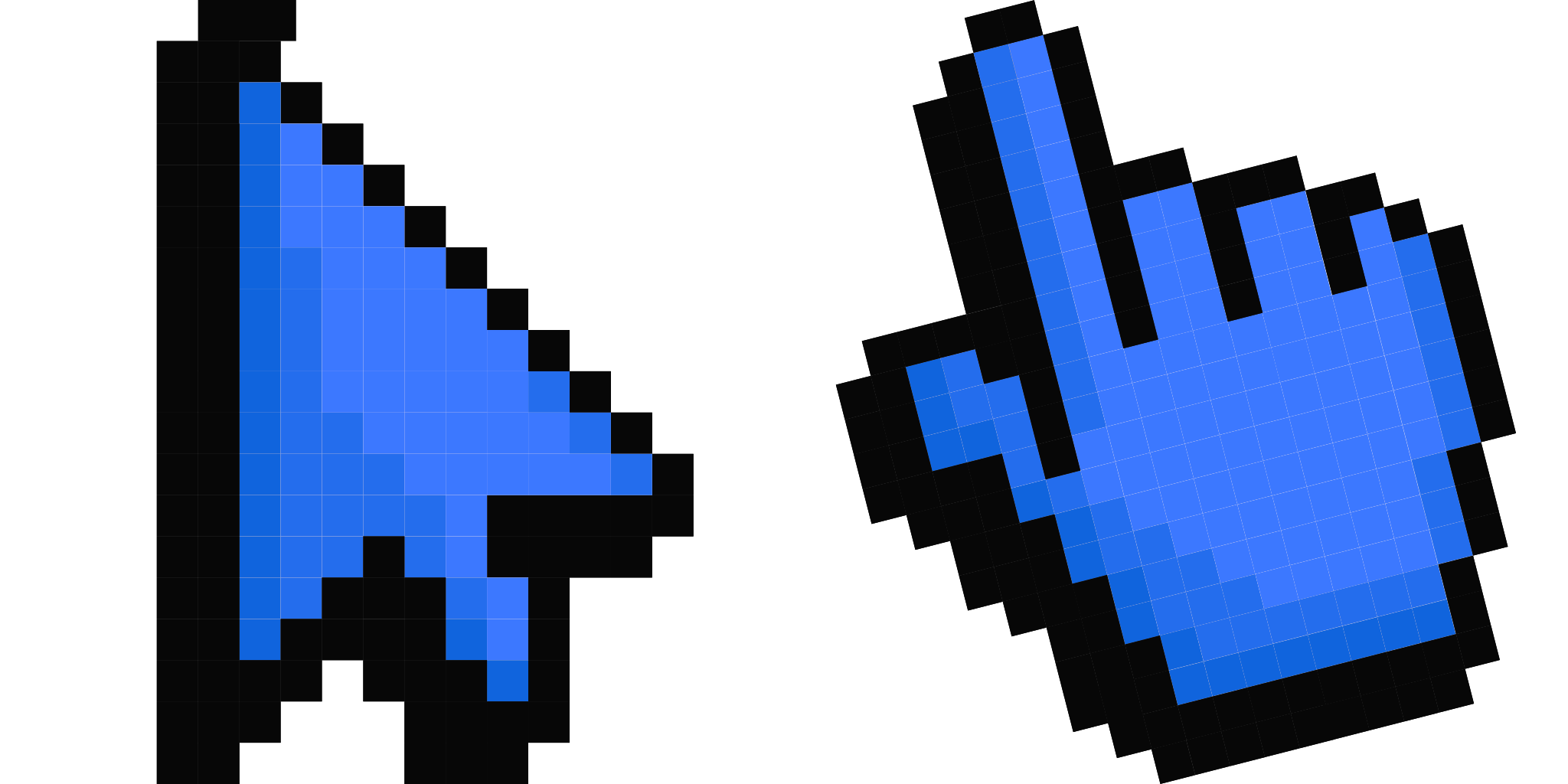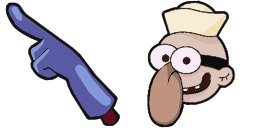
커서 미리보기: Mang - 1 - cute-cursor.com

커서 팩

Mang

BT2149회 추가됨

Mang cursor for Chrome - BT21 horse character pointer with blue mane hover hand. K-pop cartoon fan art.

확장 프로그램에 추가

MANG is a character of the BT21 project when dancing, he is cooler than ever. Veiled under a mask, MANG's true identity remains a secret. Mang custom cursor for the mouse is a pretty character in The Wishes cursor collection for Chrome.

커서 파일

파일을 다운로드하거나 정확한 핫스팟이 적용된 CSS, JavaScript, React, Roblox 코드를 바로 복사해 사용하세요.

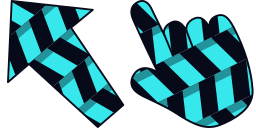
커서 - 1 - cute-cursor.com

커서

파일을 다운로드하거나 웹사이트, React, JavaScript, Roblox용 임베드 코드를 복사하세요.

이 CSS를 스타일시트에 붙여넣으세요. 핫스팟 좌표가 이미 포함되어 있습니다.

.custom-cursor {
  cursor: url('https://cute-cursor.com/cdn/packs/872/arrow.png') 28 6, auto;
}

이 JavaScript를 붙여넣으면 정확한 핫스팟으로 커서가 적용됩니다.

const CURSOR_URL = 'https://cute-cursor.com/cdn/packs/872/arrow.png';
const HOTSPOT_X = 28;
const HOTSPOT_Y = 6;
const CURSOR_FALLBACK = 'auto';

const cursorValue = `url('${CURSOR_URL}') ${HOTSPOT_X} ${HOTSPOT_Y}, ${CURSOR_FALLBACK}`;

// Apply to the whole page
document.body.style.cursor = cursorValue;

// Or apply to a specific element
// const target = document.querySelector('.my-element');
// if (target) target.style.cursor = cursorValue;

이 React 컴포넌트를 복사해 콘텐츠를 감싸주세요.

import React from 'react';

const CURSOR_URL = 'https://cute-cursor.com/cdn/packs/872/arrow.png';
const HOTSPOT_X = 28;
const HOTSPOT_Y = 6;
const CURSOR_FALLBACK = 'auto';

export default function CustomCursor({ children, className = '', as: Tag = 'div', style = {}, ...props }) {
  const cursorStyle = {
    cursor: `url('${CURSOR_URL}') ${HOTSPOT_X} ${HOTSPOT_Y}, ${CURSOR_FALLBACK}`,
    ...style,
  };

  return (
    <Tag className={className} style={cursorStyle} {...props}>
      {children}
    </Tag>
  );
}

// Usage:
// <CustomCursor>Your content</CustomCursor>

이미지를 Roblox에 업로드하고 YOUR_ASSET_ID를 교체한 다음, 이 LocalScript를 붙여넣으세요.

-- Roblox custom cursor
-- Image URL: https://cute-cursor.com/cdn/packs/872/arrow.png
-- Hotspot: 28, 6
-- Size: 128x128
-- 1. Upload the image to Roblox and copy rbxassetid
-- 2. Replace YOUR_ASSET_ID below
-- 3. Put this LocalScript in StarterPlayer > StarterPlayerScripts

local UserInputService = game:GetService("UserInputService")
local RunService = game:GetService("RunService")
local Players = game:GetService("Players")

local player = Players.LocalPlayer
local playerGui = player:WaitForChild("PlayerGui")

local HOTSPOT_X = 28
local HOTSPOT_Y = 6
local CURSOR_WIDTH = 128
local CURSOR_HEIGHT = 128

local screenGui = Instance.new("ScreenGui")
screenGui.Name = "CustomCursorGui"
screenGui.ResetOnSpawn = false
screenGui.IgnoreGuiInset = true
screenGui.DisplayOrder = 999999
screenGui.Parent = playerGui

local cursor = Instance.new("ImageLabel")
cursor.Name = "CustomCursor"
cursor.BackgroundTransparency = 1
cursor.Size = UDim2.fromOffset(CURSOR_WIDTH, CURSOR_HEIGHT)
cursor.Image = "rbxassetid://YOUR_ASSET_ID"
cursor.ZIndex = 999999
cursor.Parent = screenGui

UserInputService.MouseIconEnabled = false

RunService.RenderStepped:Connect(function()
    local mouseLocation = UserInputService:GetMouseLocation()
    cursor.Position = UDim2.fromOffset(mouseLocation.X - HOTSPOT_X, mouseLocation.Y - HOTSPOT_Y)
end)
포인터 - 2 - cute-cursor.com

포인터

파일을 다운로드하거나 웹사이트, React, JavaScript, Roblox용 임베드 코드를 복사하세요.

이 CSS를 스타일시트에 붙여넣으세요. 핫스팟 좌표가 이미 포함되어 있습니다.

.custom-pointer {
  cursor: url('https://cute-cursor.com/cdn/packs/872/hand.png') 30 8, pointer;
}

이 JavaScript를 붙여넣으면 정확한 핫스팟으로 커서가 적용됩니다.

const CURSOR_URL = 'https://cute-cursor.com/cdn/packs/872/hand.png';
const HOTSPOT_X = 30;
const HOTSPOT_Y = 8;
const CURSOR_FALLBACK = 'pointer';

const cursorValue = `url('${CURSOR_URL}') ${HOTSPOT_X} ${HOTSPOT_Y}, ${CURSOR_FALLBACK}`;

// Apply to the whole page
document.body.style.cursor = cursorValue;

// Or apply to a specific element
// const target = document.querySelector('.my-element');
// if (target) target.style.cursor = cursorValue;

이 React 컴포넌트를 복사해 콘텐츠를 감싸주세요.

import React from 'react';

const CURSOR_URL = 'https://cute-cursor.com/cdn/packs/872/hand.png';
const HOTSPOT_X = 30;
const HOTSPOT_Y = 8;
const CURSOR_FALLBACK = 'pointer';

export default function CustomPointer({ children, className = '', as: Tag = 'div', style = {}, ...props }) {
  const cursorStyle = {
    cursor: `url('${CURSOR_URL}') ${HOTSPOT_X} ${HOTSPOT_Y}, ${CURSOR_FALLBACK}`,
    ...style,
  };

  return (
    <Tag className={className} style={cursorStyle} {...props}>
      {children}
    </Tag>
  );
}

// Usage:
// <CustomPointer>Your content</CustomPointer>

이미지를 Roblox에 업로드하고 YOUR_ASSET_ID를 교체한 다음, 이 LocalScript를 붙여넣으세요.

-- Roblox custom cursor
-- Image URL: https://cute-cursor.com/cdn/packs/872/hand.png
-- Hotspot: 30, 8
-- Size: 128x128
-- 1. Upload the image to Roblox and copy rbxassetid
-- 2. Replace YOUR_ASSET_ID below
-- 3. Put this LocalScript in StarterPlayer > StarterPlayerScripts

local UserInputService = game:GetService("UserInputService")
local RunService = game:GetService("RunService")
local Players = game:GetService("Players")

local player = Players.LocalPlayer
local playerGui = player:WaitForChild("PlayerGui")

local HOTSPOT_X = 30
local HOTSPOT_Y = 8
local CURSOR_WIDTH = 128
local CURSOR_HEIGHT = 128

local screenGui = Instance.new("ScreenGui")
screenGui.Name = "CustomCursorGui"
screenGui.ResetOnSpawn = false
screenGui.IgnoreGuiInset = true
screenGui.DisplayOrder = 999999
screenGui.Parent = playerGui

local cursor = Instance.new("ImageLabel")
cursor.Name = "CustomCursor"
cursor.BackgroundTransparency = 1
cursor.Size = UDim2.fromOffset(CURSOR_WIDTH, CURSOR_HEIGHT)
cursor.Image = "rbxassetid://YOUR_ASSET_ID"
cursor.ZIndex = 999999
cursor.Parent = screenGui

UserInputService.MouseIconEnabled = false

RunService.RenderStepped:Connect(function()
    local mouseLocation = UserInputService:GetMouseLocation()
    cursor.Position = UDim2.fromOffset(mouseLocation.X - HOTSPOT_X, mouseLocation.Y - HOTSPOT_Y)
end)
100% 무료

Cursor Changer 확장 프로그램 받기

크롬용 무료 확장 프로그램입니다. 한 번 설치한 후 원하는 커서에서 추가를 클릭하세요.

크롬에 설치