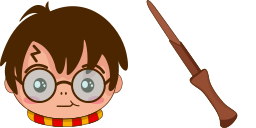
Aperçu du curseur : Golden Dragon Egg - 1 - cute-cursor.com

Pack de curseurs

Golden Dragon Egg

Harry Potter ItemsAdded 173 times

The Dragon and Golden egg custom cursor from our custom cursors collection for Chrome will change your default mouse pointer to something magic.

Ajouter à l'extension

A well-designed custom Golden Dragon Egg mouse cursor from our collection of custom Harry Potter fiction mouse cursors. The Dragon and Golden egg custom cursor from our custom cursors collection for Chrome will change your default mouse pointer to something magic.

Fichiers curseur

Téléchargez le fichier ou copiez le CSS et le code Roblox prêts à l'emploi avec le bon hotspot.

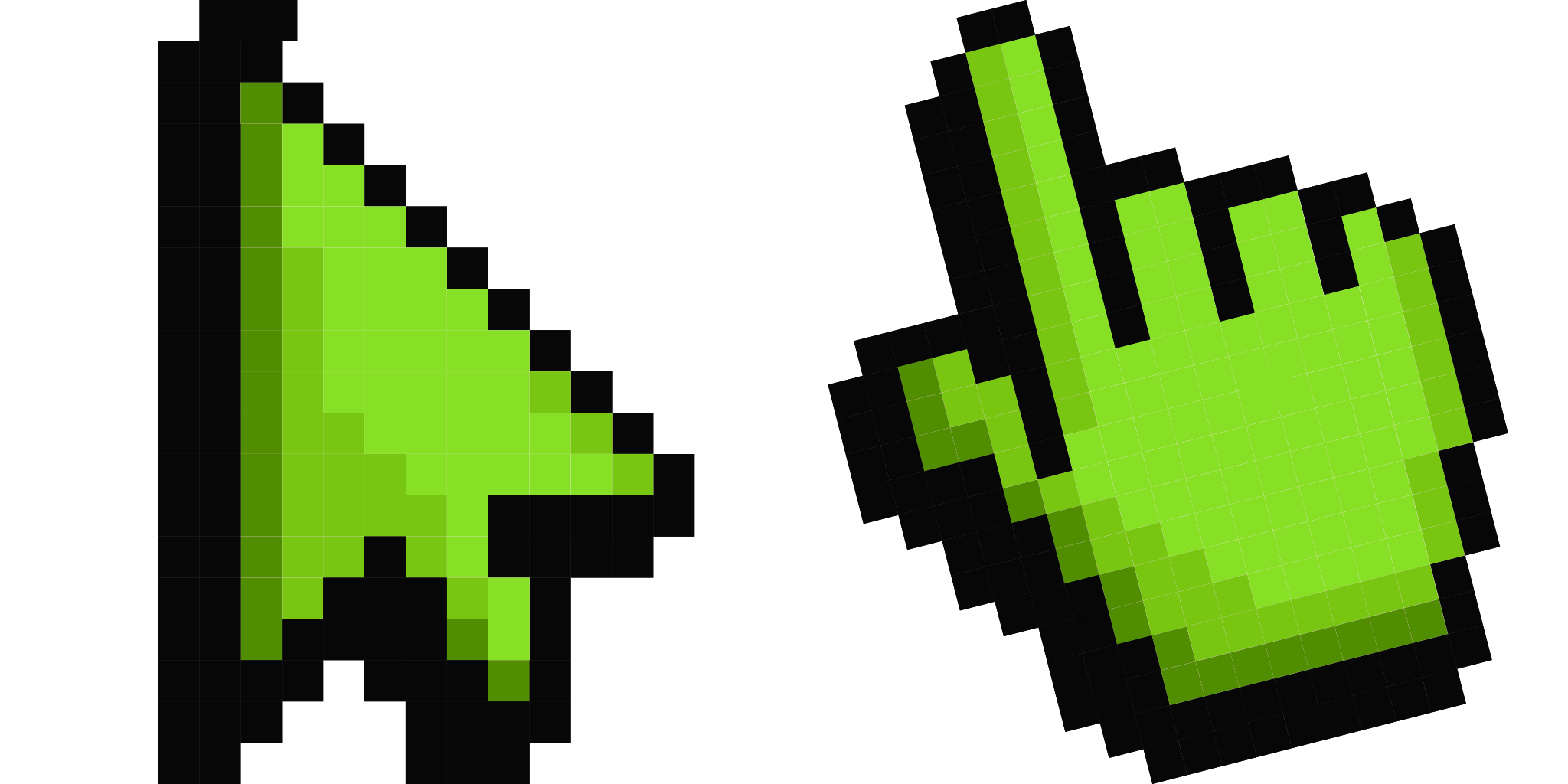
Curseur - 1 - cute-cursor.com

Curseur

Téléchargez le fichier ou copiez le code pour votre site ou Roblox.

Télécharger le curseur pour Roblox

Collez ce CSS dans votre feuille de style. Les coordonnées du hotspot sont déjà incluses.

.custom-cursor {
  cursor: url('https://cute-cursor.com/cdn/packs/424/arrow.svg') 28 0, auto;
}

Importez l'image dans Roblox, remplacez YOUR_ASSET_ID, puis collez ce LocalScript.

-- Roblox custom cursor
-- Image URL: https://cute-cursor.com/cdn/packs/424/arrow.svg
-- Hotspot: 28, 0
-- Size: 128x128
-- 1. Upload the image to Roblox and copy rbxassetid
-- 2. Replace YOUR_ASSET_ID below
-- 3. Put this LocalScript in StarterPlayer > StarterPlayerScripts

local UserInputService = game:GetService("UserInputService")
local RunService = game:GetService("RunService")
local Players = game:GetService("Players")

local player = Players.LocalPlayer
local playerGui = player:WaitForChild("PlayerGui")

local HOTSPOT_X = 28
local HOTSPOT_Y = 0
local CURSOR_WIDTH = 128
local CURSOR_HEIGHT = 128

local screenGui = Instance.new("ScreenGui")
screenGui.Name = "CustomCursorGui"
screenGui.ResetOnSpawn = false
screenGui.IgnoreGuiInset = true
screenGui.DisplayOrder = 999999
screenGui.Parent = playerGui

local cursor = Instance.new("ImageLabel")
cursor.Name = "CustomCursor"
cursor.BackgroundTransparency = 1
cursor.Size = UDim2.fromOffset(CURSOR_WIDTH, CURSOR_HEIGHT)
cursor.Image = "rbxassetid://YOUR_ASSET_ID"
cursor.ZIndex = 999999
cursor.Parent = screenGui

UserInputService.MouseIconEnabled = false

RunService.RenderStepped:Connect(function()
    local mouseLocation = UserInputService:GetMouseLocation()
    cursor.Position = UDim2.fromOffset(mouseLocation.X - HOTSPOT_X, mouseLocation.Y - HOTSPOT_Y)
end)
Pointeur - 2 - cute-cursor.com

Pointeur

Téléchargez le fichier ou copiez le code pour votre site ou Roblox.

Télécharger le pointeur pour Roblox

Collez ce CSS dans votre feuille de style. Les coordonnées du hotspot sont déjà incluses.

.custom-pointer {
  cursor: url('https://cute-cursor.com/cdn/packs/424/hand.svg') 31 0, pointer;
}

Importez l'image dans Roblox, remplacez YOUR_ASSET_ID, puis collez ce LocalScript.

-- Roblox custom cursor
-- Image URL: https://cute-cursor.com/cdn/packs/424/hand.svg
-- Hotspot: 31, 0
-- Size: 128x128
-- 1. Upload the image to Roblox and copy rbxassetid
-- 2. Replace YOUR_ASSET_ID below
-- 3. Put this LocalScript in StarterPlayer > StarterPlayerScripts

local UserInputService = game:GetService("UserInputService")
local RunService = game:GetService("RunService")
local Players = game:GetService("Players")

local player = Players.LocalPlayer
local playerGui = player:WaitForChild("PlayerGui")

local HOTSPOT_X = 31
local HOTSPOT_Y = 0
local CURSOR_WIDTH = 128
local CURSOR_HEIGHT = 128

local screenGui = Instance.new("ScreenGui")
screenGui.Name = "CustomCursorGui"
screenGui.ResetOnSpawn = false
screenGui.IgnoreGuiInset = true
screenGui.DisplayOrder = 999999
screenGui.Parent = playerGui

local cursor = Instance.new("ImageLabel")
cursor.Name = "CustomCursor"
cursor.BackgroundTransparency = 1
cursor.Size = UDim2.fromOffset(CURSOR_WIDTH, CURSOR_HEIGHT)
cursor.Image = "rbxassetid://YOUR_ASSET_ID"
cursor.ZIndex = 999999
cursor.Parent = screenGui

UserInputService.MouseIconEnabled = false

RunService.RenderStepped:Connect(function()
    local mouseLocation = UserInputService:GetMouseLocation()
    cursor.Position = UDim2.fromOffset(mouseLocation.X - HOTSPOT_X, mouseLocation.Y - HOTSPOT_Y)
end)
100 % gratuit

Get the Cursor Changer extension

Gratuit sur Chrome. Installez l'extension, puis cliquez sur « Ajouter ».

Installer sur Chrome