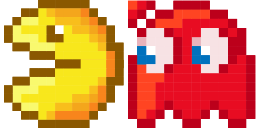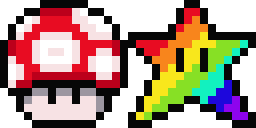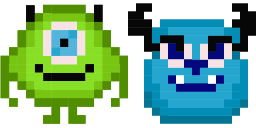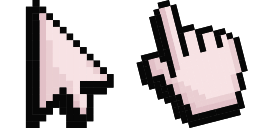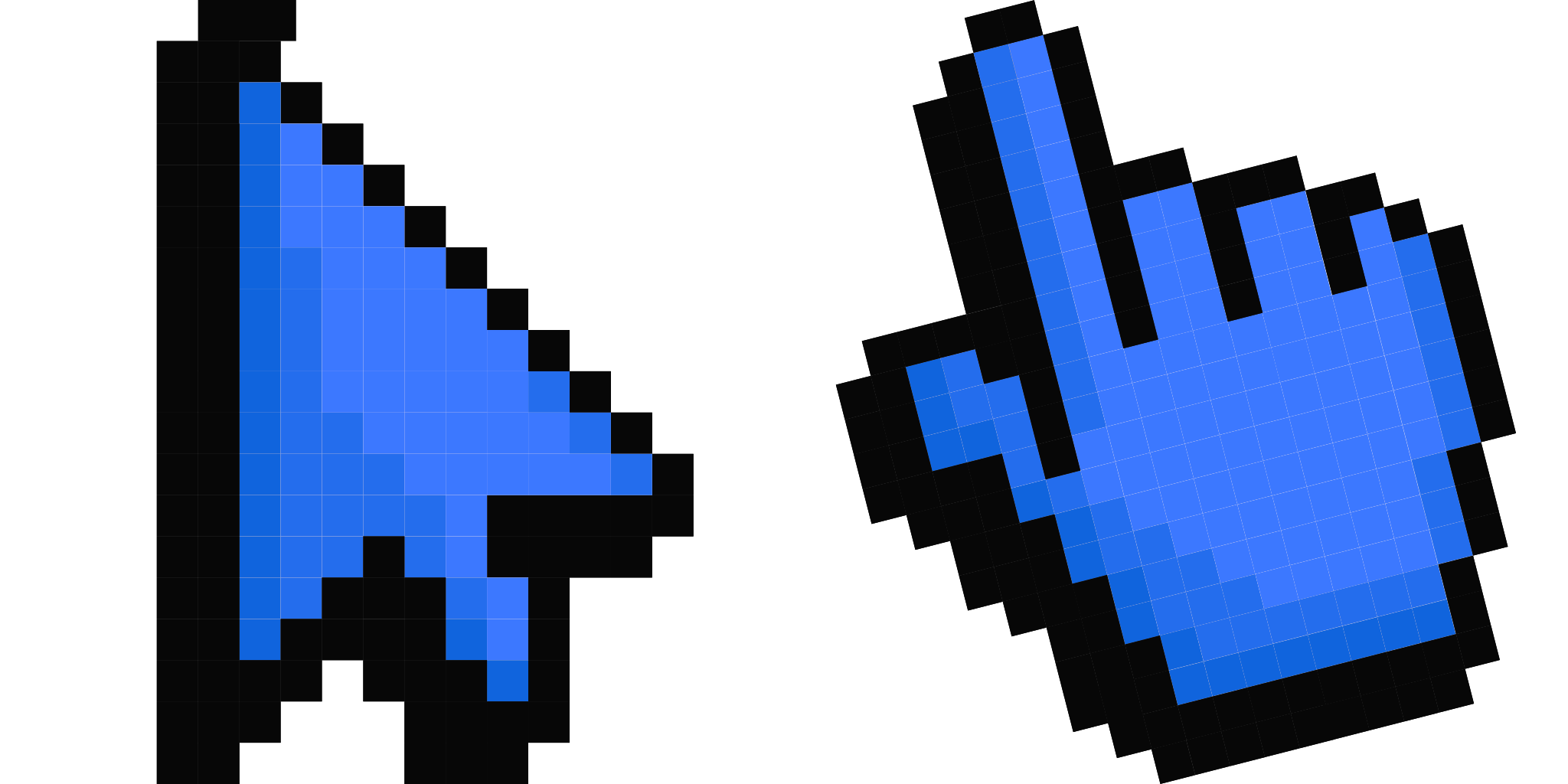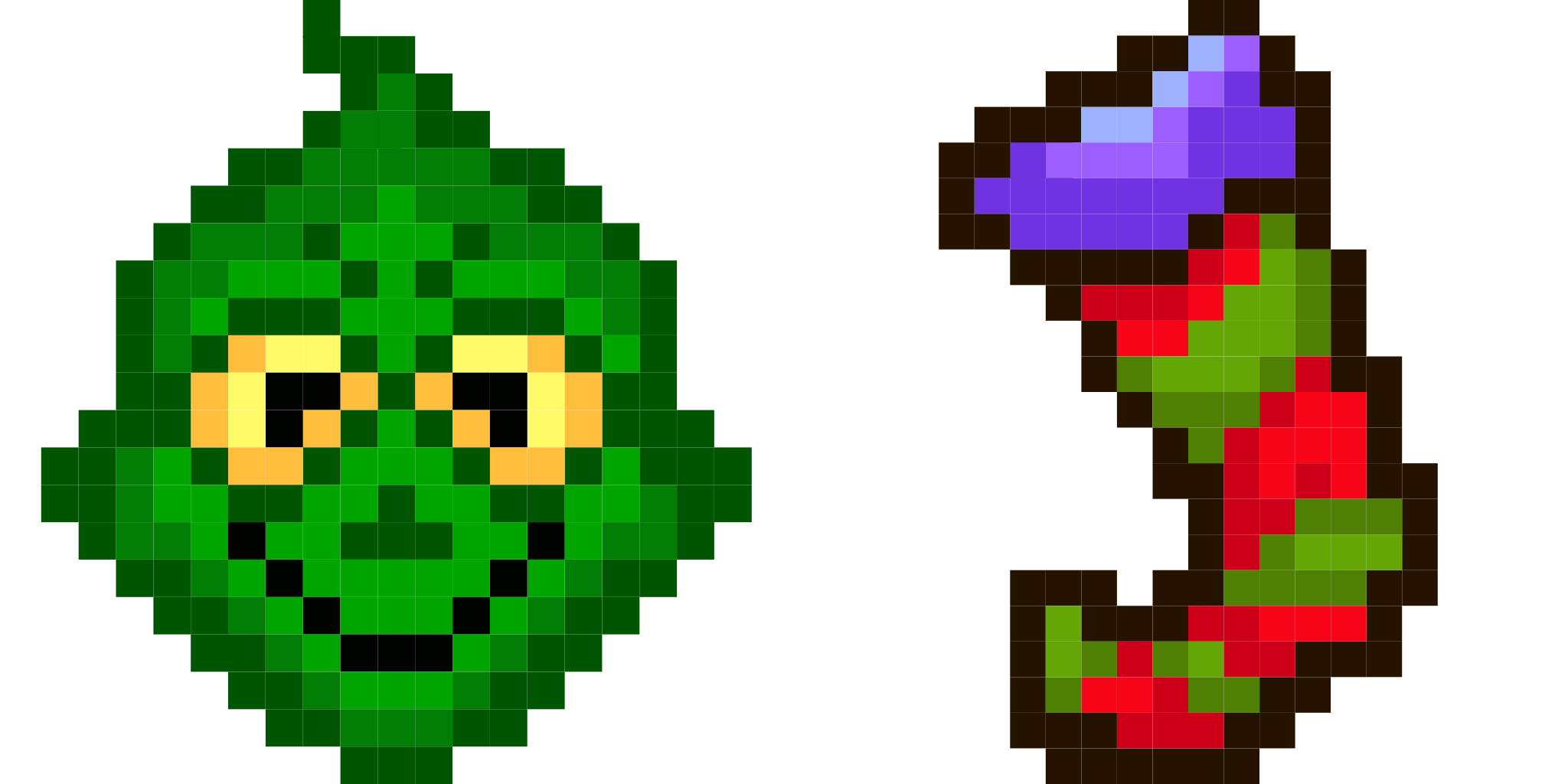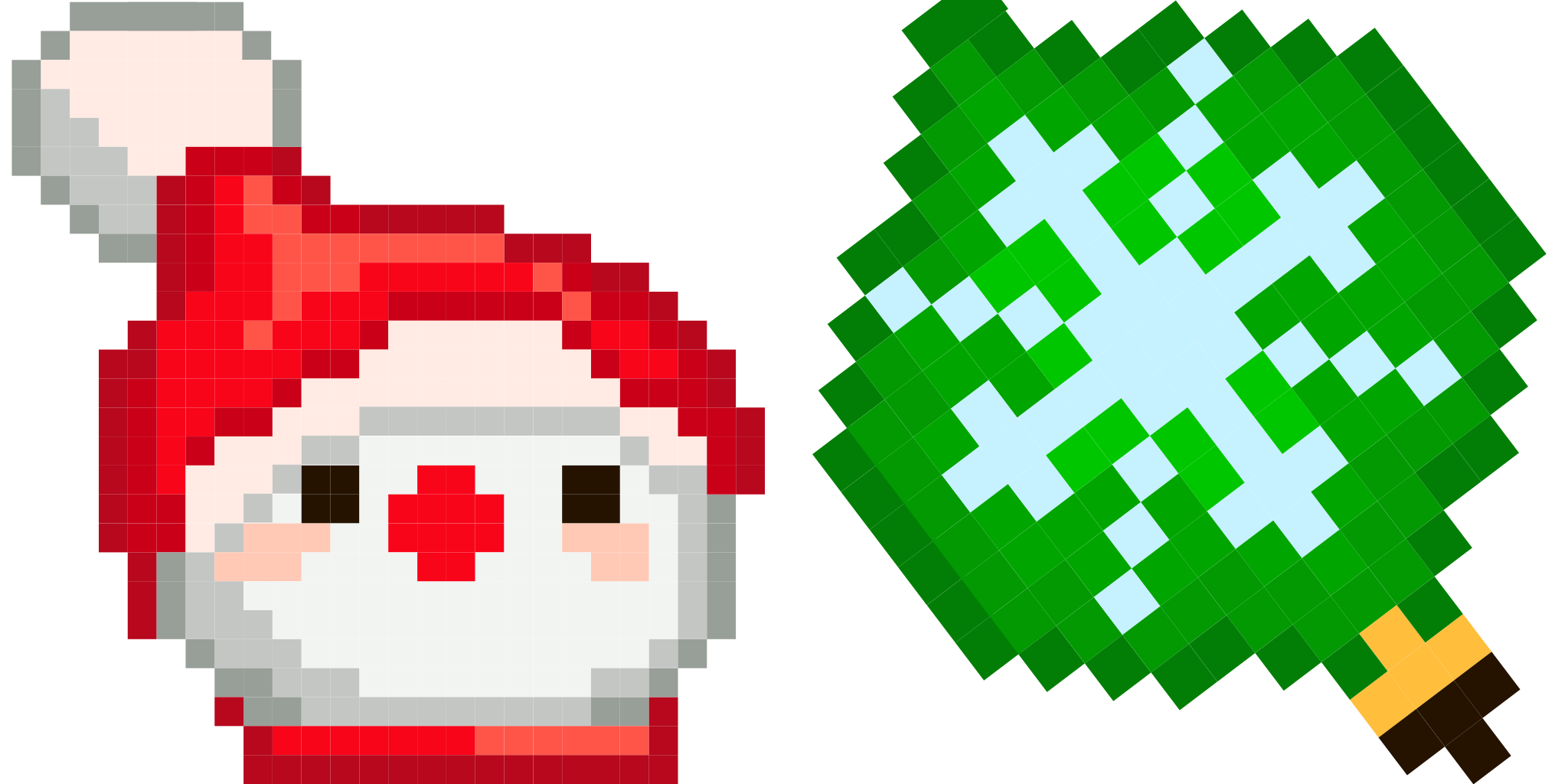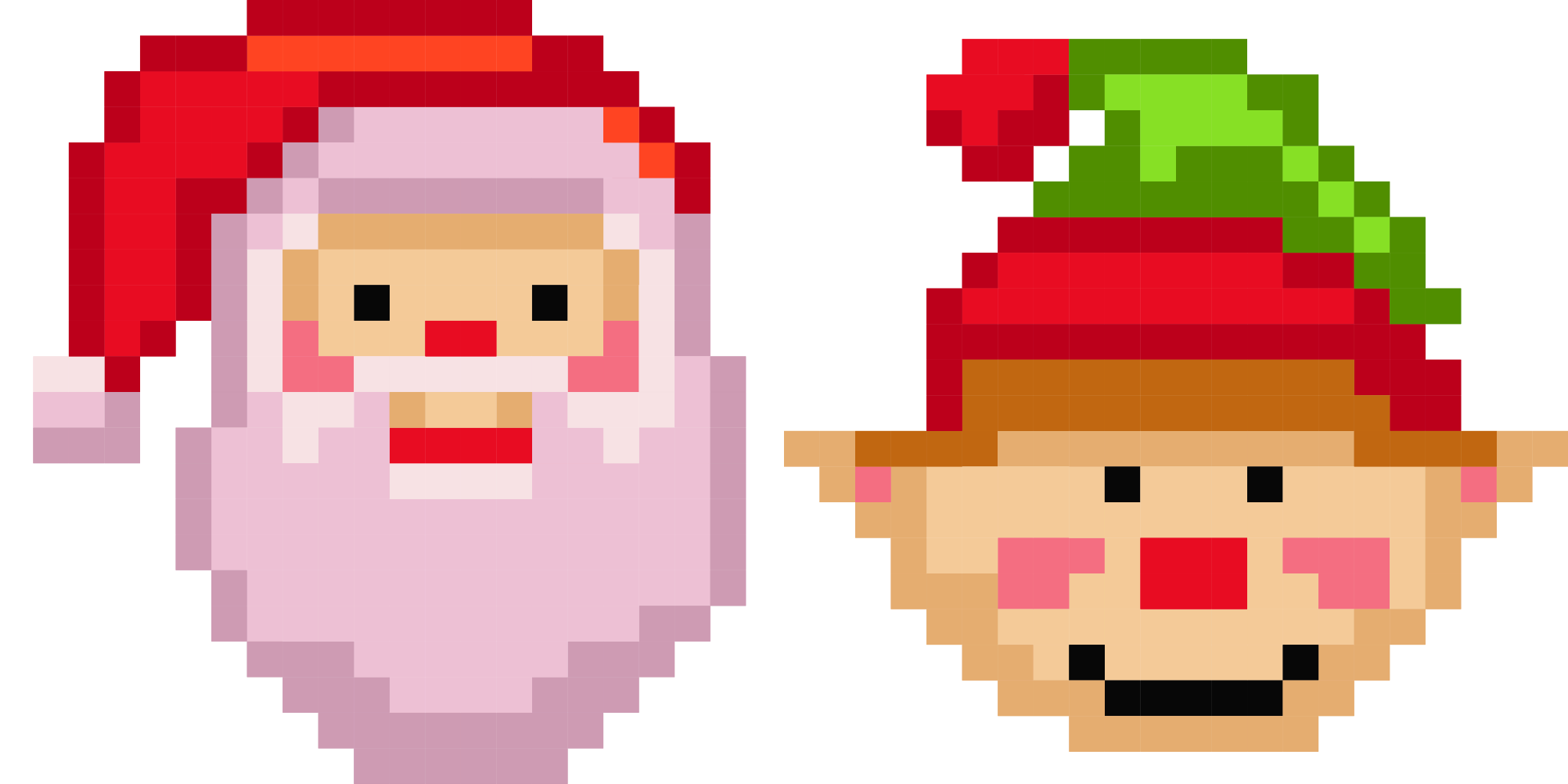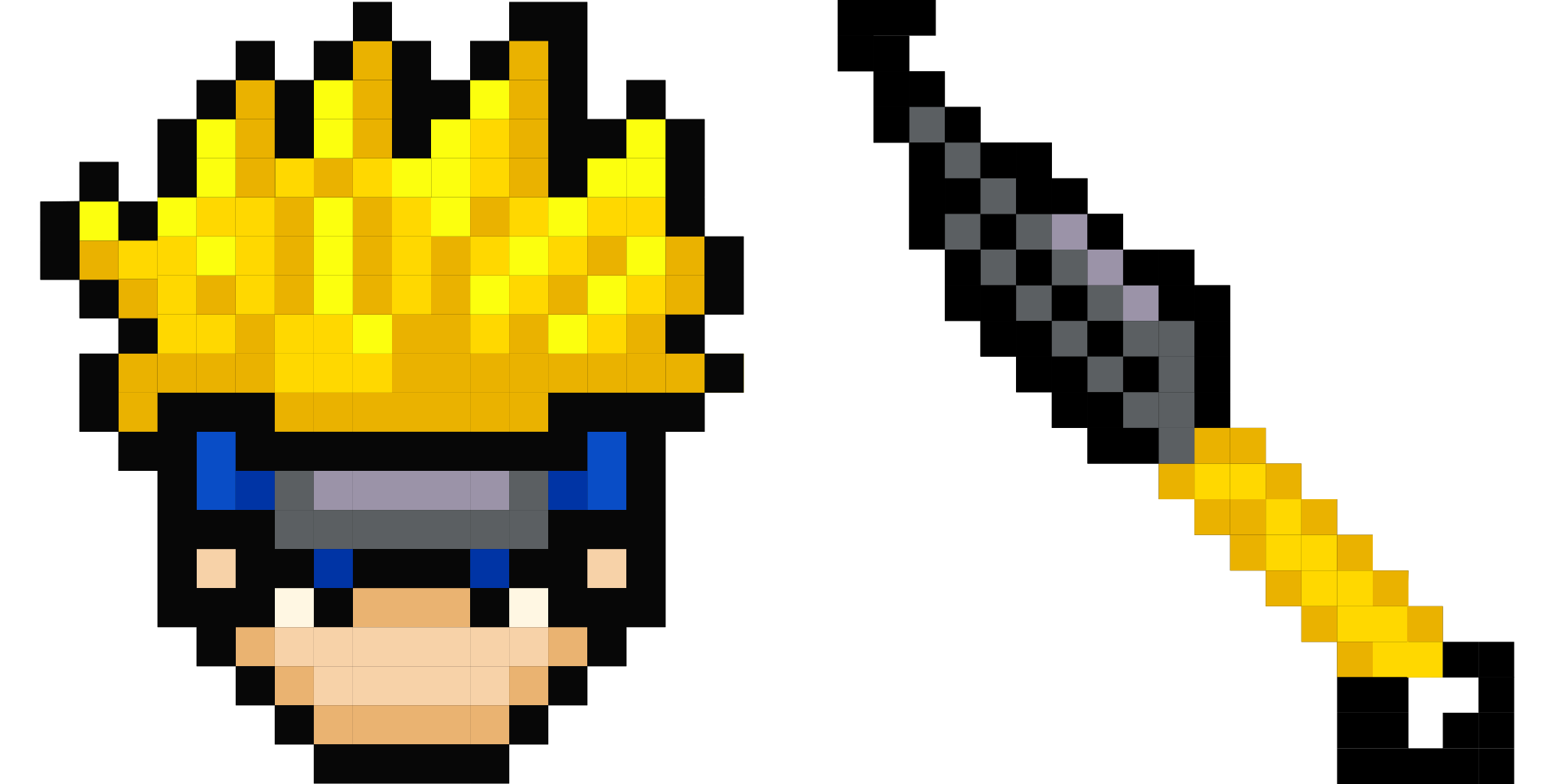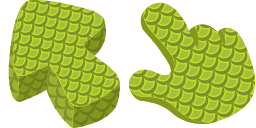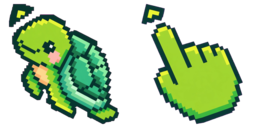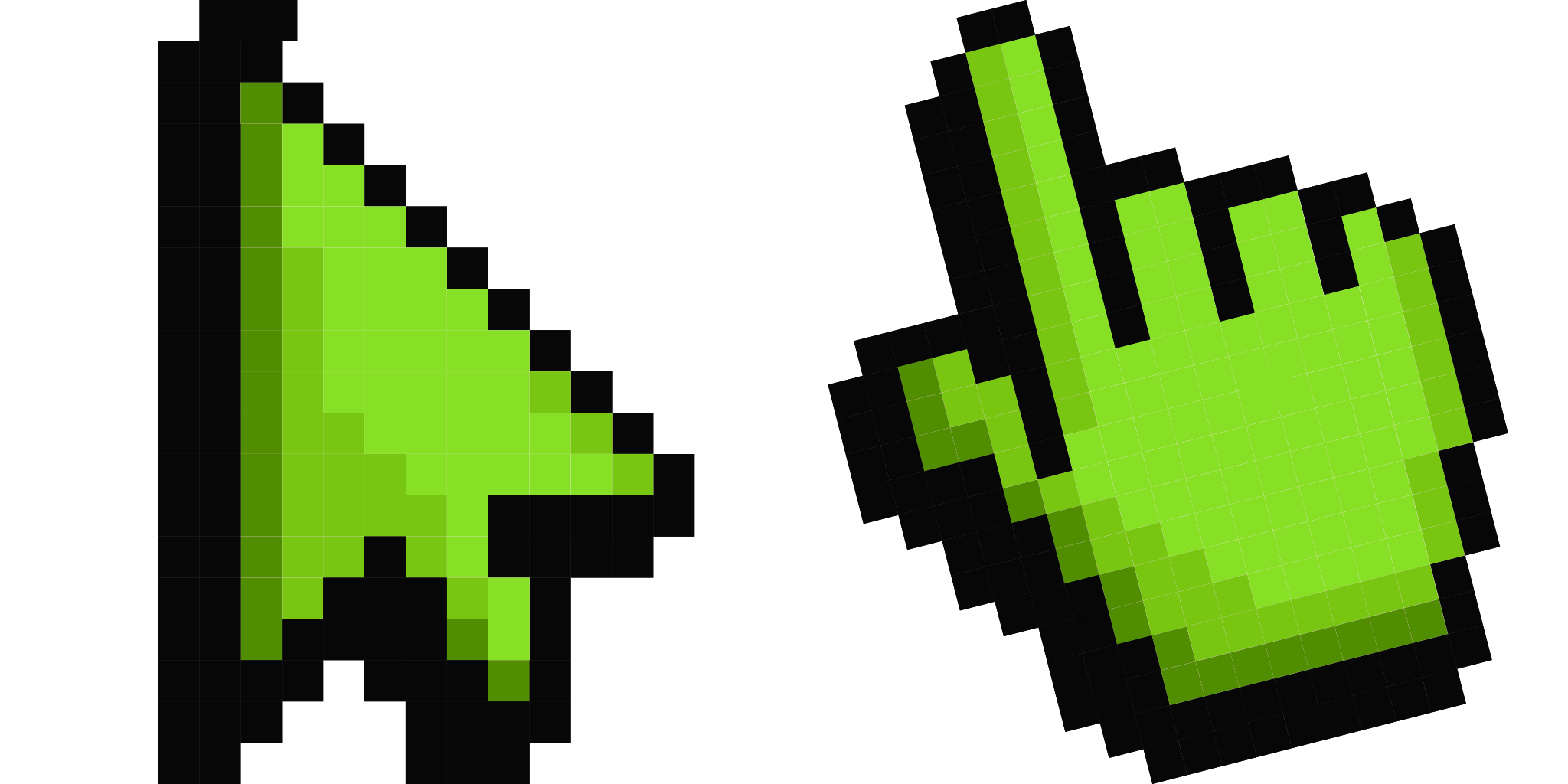
Cursor-Vorschau: Default Green Pixel - 1 - cute-cursor.com

Cursor-Paket

Default Green Pixel

Pixel Colors75 Mal hinzugefügt

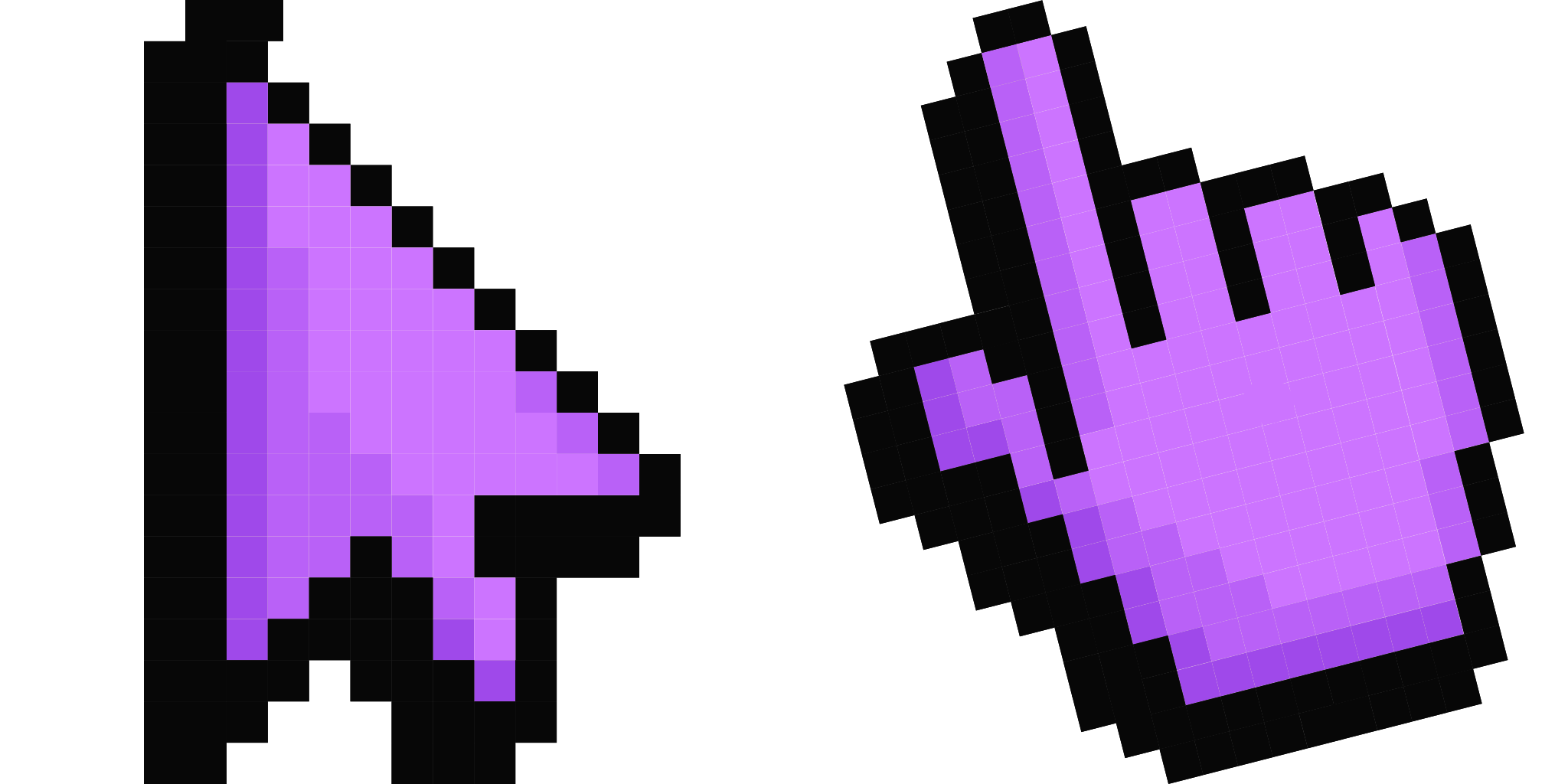
Green pixel cursor for Chrome - retro 8-bit emerald pointer with classic game hover. Nostalgic gaming fan art.

Zur Erweiterung hinzufügen

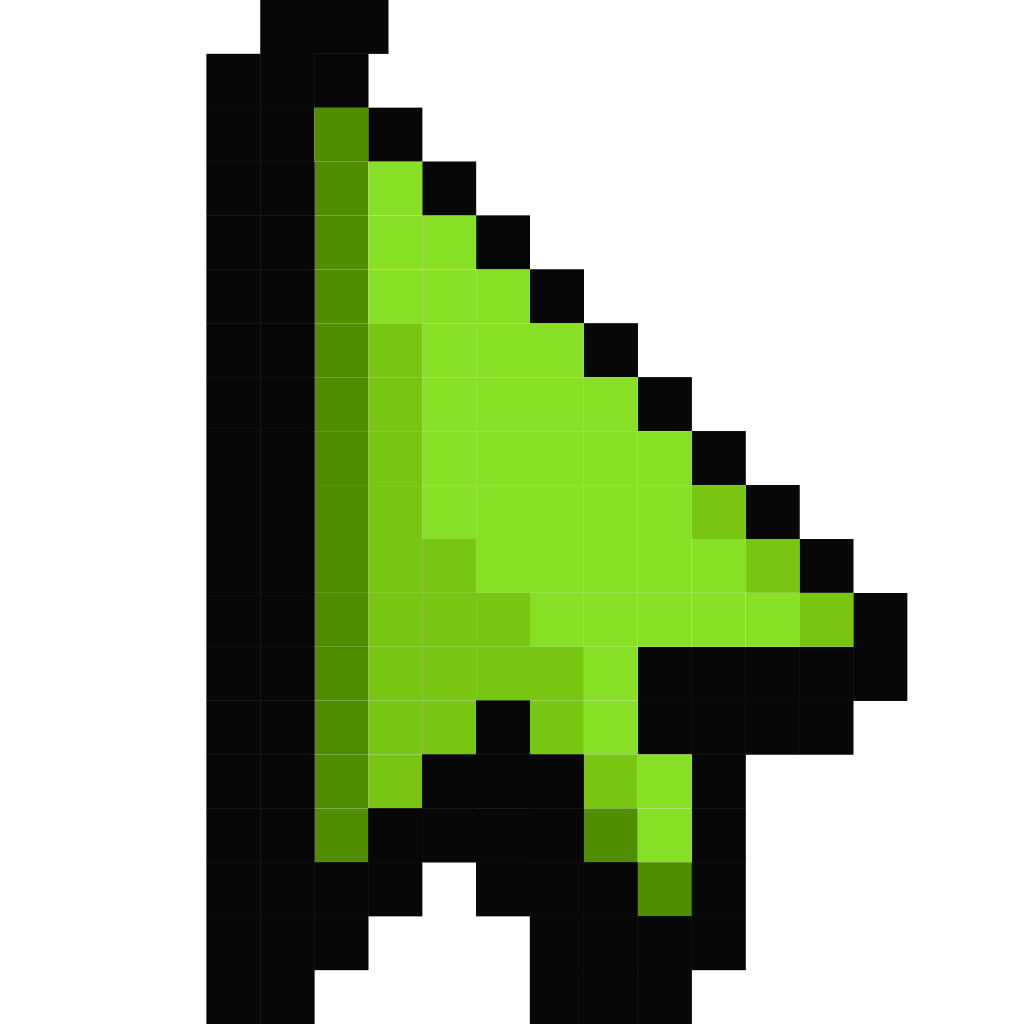
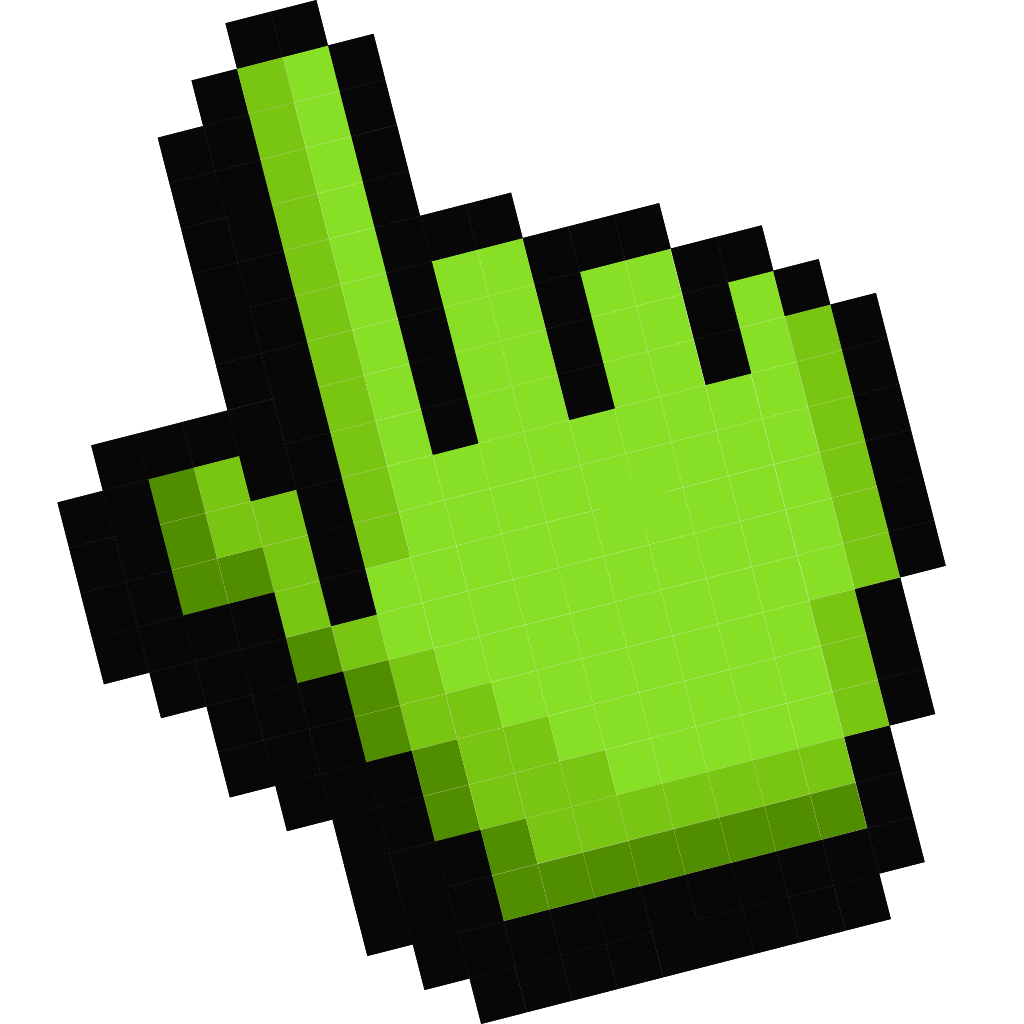
Default Green Pixel as a Chrome cursor — two files: Green pixel pointer, plus a hover hand styled after Default Green Pixel. You are able to select different colors for Pixel Cursor to customize the looking and appearance. Made for Chrome users. Works in Chrome via the Cute Cursor extension. Both the default pointer and hover hand are included.
Cursor-Dateien

Lade die Datei herunter oder kopiere fertigen CSS-, JavaScript-, React- und Roblox-Code mit dem richtigen Hotspot.
Cursor - 1 - cute-cursor.com

Cursor

Lade die Datei herunter oder kopiere den Einbettungscode für deine Website, React, JavaScript oder Roblox.

Füge dieses CSS in dein Stylesheet ein. Die Hotspot-Koordinaten sind bereits enthalten.

.custom-cursor {
  cursor: url('https://cute-cursor.com/cdn/packs/547/arrow.png') 260 0, auto;
}

Füge dieses JavaScript ein, um den Cursor mit dem richtigen Hotspot anzuwenden.

const CURSOR_URL = 'https://cute-cursor.com/cdn/packs/547/arrow.png';
const HOTSPOT_X = 260;
const HOTSPOT_Y = 0;
const CURSOR_FALLBACK = 'auto';

const cursorValue = `url('${CURSOR_URL}') ${HOTSPOT_X} ${HOTSPOT_Y}, ${CURSOR_FALLBACK}`;

// Apply to the whole page
document.body.style.cursor = cursorValue;

// Or apply to a specific element
// const target = document.querySelector('.my-element');
// if (target) target.style.cursor = cursorValue;

Kopiere diese React-Komponente und umschließe deinen Inhalt damit.

import React from 'react';

const CURSOR_URL = 'https://cute-cursor.com/cdn/packs/547/arrow.png';
const HOTSPOT_X = 260;
const HOTSPOT_Y = 0;
const CURSOR_FALLBACK = 'auto';

export default function CustomCursor({ children, className = '', as: Tag = 'div', style = {}, ...props }) {
  const cursorStyle = {
    cursor: `url('${CURSOR_URL}') ${HOTSPOT_X} ${HOTSPOT_Y}, ${CURSOR_FALLBACK}`,
    ...style,
  };

  return (
    <Tag className={className} style={cursorStyle} {...props}>
      {children}
    </Tag>
  );
}

// Usage:
// <CustomCursor>Your content</CustomCursor>

Lade das Bild zu Roblox hoch, ersetze YOUR_ASSET_ID und füge dann dieses LocalScript ein.

-- Roblox custom cursor
-- Image URL: https://cute-cursor.com/cdn/packs/547/arrow.png
-- Hotspot: 260, 0
-- Size: 128x128
-- 1. Upload the image to Roblox and copy rbxassetid
-- 2. Replace YOUR_ASSET_ID below
-- 3. Put this LocalScript in StarterPlayer > StarterPlayerScripts

local UserInputService = game:GetService("UserInputService")
local RunService = game:GetService("RunService")
local Players = game:GetService("Players")

local player = Players.LocalPlayer
local playerGui = player:WaitForChild("PlayerGui")

local HOTSPOT_X = 260
local HOTSPOT_Y = 0
local CURSOR_WIDTH = 128
local CURSOR_HEIGHT = 128

local screenGui = Instance.new("ScreenGui")
screenGui.Name = "CustomCursorGui"
screenGui.ResetOnSpawn = false
screenGui.IgnoreGuiInset = true
screenGui.DisplayOrder = 999999
screenGui.Parent = playerGui

local cursor = Instance.new("ImageLabel")
cursor.Name = "CustomCursor"
cursor.BackgroundTransparency = 1
cursor.Size = UDim2.fromOffset(CURSOR_WIDTH, CURSOR_HEIGHT)
cursor.Image = "rbxassetid://YOUR_ASSET_ID"
cursor.ZIndex = 999999
cursor.Parent = screenGui

UserInputService.MouseIconEnabled = false

RunService.RenderStepped:Connect(function()
    local mouseLocation = UserInputService:GetMouseLocation()
    cursor.Position = UDim2.fromOffset(mouseLocation.X - HOTSPOT_X, mouseLocation.Y - HOTSPOT_Y)
end)
Zeiger - 2 - cute-cursor.com

Zeiger

Lade die Datei herunter oder kopiere den Einbettungscode für deine Website, React, JavaScript oder Roblox.

Füge dieses CSS in dein Stylesheet ein. Die Hotspot-Koordinaten sind bereits enthalten.

.custom-pointer {
  cursor: url('https://cute-cursor.com/cdn/packs/547/hand.png') 312 0, pointer;
}

Füge dieses JavaScript ein, um den Cursor mit dem richtigen Hotspot anzuwenden.

const CURSOR_URL = 'https://cute-cursor.com/cdn/packs/547/hand.png';
const HOTSPOT_X = 312;
const HOTSPOT_Y = 0;
const CURSOR_FALLBACK = 'pointer';

const cursorValue = `url('${CURSOR_URL}') ${HOTSPOT_X} ${HOTSPOT_Y}, ${CURSOR_FALLBACK}`;

// Apply to the whole page
document.body.style.cursor = cursorValue;

// Or apply to a specific element
// const target = document.querySelector('.my-element');
// if (target) target.style.cursor = cursorValue;

Kopiere diese React-Komponente und umschließe deinen Inhalt damit.

import React from 'react';

const CURSOR_URL = 'https://cute-cursor.com/cdn/packs/547/hand.png';
const HOTSPOT_X = 312;
const HOTSPOT_Y = 0;
const CURSOR_FALLBACK = 'pointer';

export default function CustomPointer({ children, className = '', as: Tag = 'div', style = {}, ...props }) {
  const cursorStyle = {
    cursor: `url('${CURSOR_URL}') ${HOTSPOT_X} ${HOTSPOT_Y}, ${CURSOR_FALLBACK}`,
    ...style,
  };

  return (
    <Tag className={className} style={cursorStyle} {...props}>
      {children}
    </Tag>
  );
}

// Usage:
// <CustomPointer>Your content</CustomPointer>

Lade das Bild zu Roblox hoch, ersetze YOUR_ASSET_ID und füge dann dieses LocalScript ein.

-- Roblox custom cursor
-- Image URL: https://cute-cursor.com/cdn/packs/547/hand.png
-- Hotspot: 312, 0
-- Size: 128x128
-- 1. Upload the image to Roblox and copy rbxassetid
-- 2. Replace YOUR_ASSET_ID below
-- 3. Put this LocalScript in StarterPlayer > StarterPlayerScripts

local UserInputService = game:GetService("UserInputService")
local RunService = game:GetService("RunService")
local Players = game:GetService("Players")

local player = Players.LocalPlayer
local playerGui = player:WaitForChild("PlayerGui")

local HOTSPOT_X = 312
local HOTSPOT_Y = 0
local CURSOR_WIDTH = 128
local CURSOR_HEIGHT = 128

local screenGui = Instance.new("ScreenGui")
screenGui.Name = "CustomCursorGui"
screenGui.ResetOnSpawn = false
screenGui.IgnoreGuiInset = true
screenGui.DisplayOrder = 999999
screenGui.Parent = playerGui

local cursor = Instance.new("ImageLabel")
cursor.Name = "CustomCursor"
cursor.BackgroundTransparency = 1
cursor.Size = UDim2.fromOffset(CURSOR_WIDTH, CURSOR_HEIGHT)
cursor.Image = "rbxassetid://YOUR_ASSET_ID"
cursor.ZIndex = 999999
cursor.Parent = screenGui

UserInputService.MouseIconEnabled = false

RunService.RenderStepped:Connect(function()
    local mouseLocation = UserInputService:GetMouseLocation()
    cursor.Position = UDim2.fromOffset(mouseLocation.X - HOTSPOT_X, mouseLocation.Y - HOTSPOT_Y)
end)
100 % kostenlos

Hol dir die Cursor-Wechsler-Erweiterung

Kostenlos für Chrome. Einmal installieren, dann bei jedem gewünschten Cursor auf „Hinzufügen“ klicken.

Zu Chrome hinzufügen