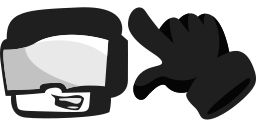
Cursor-Vorschau: FNF Tankman - 1 - cute-cursor.com

Cursor-Paket

FNF Tankman

FNF Main Characters19 Mal hinzugefügt

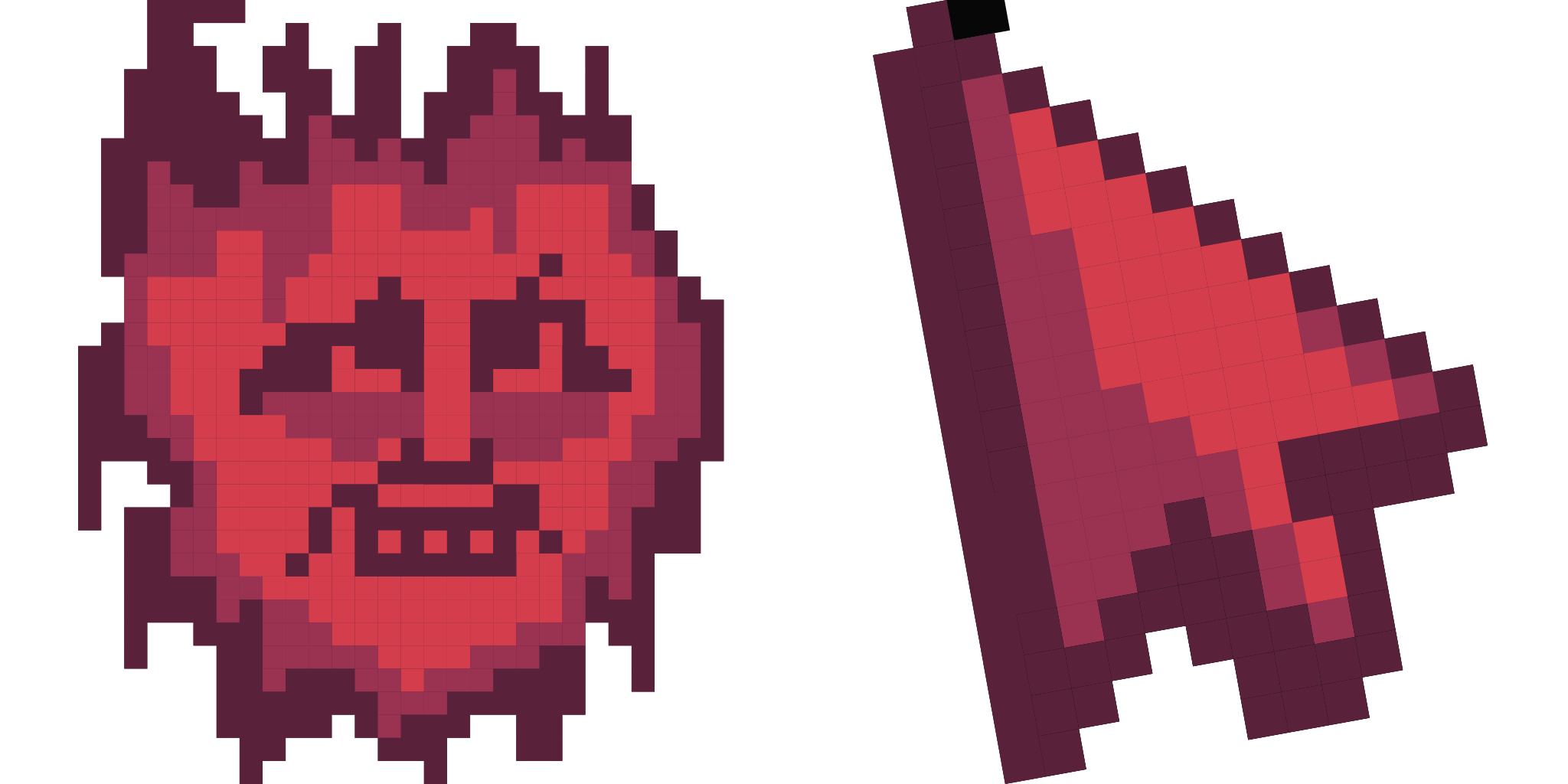
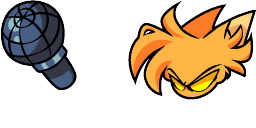
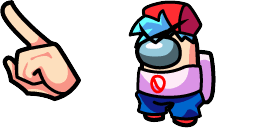
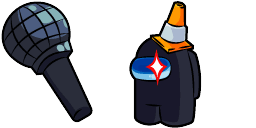
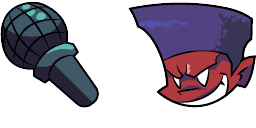
FNF Tankman cursor for Chrome - Newgrounds soldier singer pointer with mic hover. Friday Night Funkin fan art.
Zur Erweiterung hinzufügen

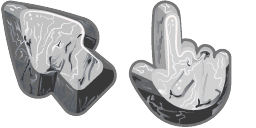
Swap the stock arrow for FNF Tankman. The pack gives you FNF Tankman pointer and a hover hand styled after FNF Tankman. Unofficial fan art. Works in Chrome via the Cute Cursor extension. Both the default pointer and hover hand are included. He holds a microphone in one hand while keeping the other clenched.

Cursor-Dateien

Lade die Datei herunter oder kopiere fertigen CSS-, JavaScript-, React- und Roblox-Code mit dem richtigen Hotspot.

Cursor - 1 - cute-cursor.com

Cursor

Lade die Datei herunter oder kopiere den Einbettungscode für deine Website, React, JavaScript oder Roblox.

Füge dieses CSS in dein Stylesheet ein. Die Hotspot-Koordinaten sind bereits enthalten.

.custom-cursor {
  cursor: url('https://cute-cursor.com/cdn/packs/640/arrow.png') 66 7, auto;
}

Füge dieses JavaScript ein, um den Cursor mit dem richtigen Hotspot anzuwenden.

const CURSOR_URL = 'https://cute-cursor.com/cdn/packs/640/arrow.png';
const HOTSPOT_X = 66;
const HOTSPOT_Y = 7;
const CURSOR_FALLBACK = 'auto';

const cursorValue = `url('${CURSOR_URL}') ${HOTSPOT_X} ${HOTSPOT_Y}, ${CURSOR_FALLBACK}`;

// Apply to the whole page
document.body.style.cursor = cursorValue;

// Or apply to a specific element
// const target = document.querySelector('.my-element');
// if (target) target.style.cursor = cursorValue;

Kopiere diese React-Komponente und umschließe deinen Inhalt damit.

import React from 'react';

const CURSOR_URL = 'https://cute-cursor.com/cdn/packs/640/arrow.png';
const HOTSPOT_X = 66;
const HOTSPOT_Y = 7;
const CURSOR_FALLBACK = 'auto';

export default function CustomCursor({ children, className = '', as: Tag = 'div', style = {}, ...props }) {
  const cursorStyle = {
    cursor: `url('${CURSOR_URL}') ${HOTSPOT_X} ${HOTSPOT_Y}, ${CURSOR_FALLBACK}`,
    ...style,
  };

  return (
    <Tag className={className} style={cursorStyle} {...props}>
      {children}
    </Tag>
  );
}

// Usage:
// <CustomCursor>Your content</CustomCursor>

Lade das Bild zu Roblox hoch, ersetze YOUR_ASSET_ID und füge dann dieses LocalScript ein.

-- Roblox custom cursor
-- Image URL: https://cute-cursor.com/cdn/packs/640/arrow.png
-- Hotspot: 66, 7
-- Size: 128x128
-- 1. Upload the image to Roblox and copy rbxassetid
-- 2. Replace YOUR_ASSET_ID below
-- 3. Put this LocalScript in StarterPlayer > StarterPlayerScripts

local UserInputService = game:GetService("UserInputService")
local RunService = game:GetService("RunService")
local Players = game:GetService("Players")

local player = Players.LocalPlayer
local playerGui = player:WaitForChild("PlayerGui")

local HOTSPOT_X = 66
local HOTSPOT_Y = 7
local CURSOR_WIDTH = 128
local CURSOR_HEIGHT = 128

local screenGui = Instance.new("ScreenGui")
screenGui.Name = "CustomCursorGui"
screenGui.ResetOnSpawn = false
screenGui.IgnoreGuiInset = true
screenGui.DisplayOrder = 999999
screenGui.Parent = playerGui

local cursor = Instance.new("ImageLabel")
cursor.Name = "CustomCursor"
cursor.BackgroundTransparency = 1
cursor.Size = UDim2.fromOffset(CURSOR_WIDTH, CURSOR_HEIGHT)
cursor.Image = "rbxassetid://YOUR_ASSET_ID"
cursor.ZIndex = 999999
cursor.Parent = screenGui

UserInputService.MouseIconEnabled = false

RunService.RenderStepped:Connect(function()
    local mouseLocation = UserInputService:GetMouseLocation()
    cursor.Position = UDim2.fromOffset(mouseLocation.X - HOTSPOT_X, mouseLocation.Y - HOTSPOT_Y)
end)
Zeiger - 2 - cute-cursor.com

Zeiger

Lade die Datei herunter oder kopiere den Einbettungscode für deine Website, React, JavaScript oder Roblox.

Füge dieses CSS in dein Stylesheet ein. Die Hotspot-Koordinaten sind bereits enthalten.

.custom-pointer {
  cursor: url('https://cute-cursor.com/cdn/packs/640/hand.png') 8 7, pointer;
}

Füge dieses JavaScript ein, um den Cursor mit dem richtigen Hotspot anzuwenden.

const CURSOR_URL = 'https://cute-cursor.com/cdn/packs/640/hand.png';
const HOTSPOT_X = 8;
const HOTSPOT_Y = 7;
const CURSOR_FALLBACK = 'pointer';

const cursorValue = `url('${CURSOR_URL}') ${HOTSPOT_X} ${HOTSPOT_Y}, ${CURSOR_FALLBACK}`;

// Apply to the whole page
document.body.style.cursor = cursorValue;

// Or apply to a specific element
// const target = document.querySelector('.my-element');
// if (target) target.style.cursor = cursorValue;

Kopiere diese React-Komponente und umschließe deinen Inhalt damit.

import React from 'react';

const CURSOR_URL = 'https://cute-cursor.com/cdn/packs/640/hand.png';
const HOTSPOT_X = 8;
const HOTSPOT_Y = 7;
const CURSOR_FALLBACK = 'pointer';

export default function CustomPointer({ children, className = '', as: Tag = 'div', style = {}, ...props }) {
  const cursorStyle = {
    cursor: `url('${CURSOR_URL}') ${HOTSPOT_X} ${HOTSPOT_Y}, ${CURSOR_FALLBACK}`,
    ...style,
  };

  return (
    <Tag className={className} style={cursorStyle} {...props}>
      {children}
    </Tag>
  );
}

// Usage:
// <CustomPointer>Your content</CustomPointer>

Lade das Bild zu Roblox hoch, ersetze YOUR_ASSET_ID und füge dann dieses LocalScript ein.

-- Roblox custom cursor
-- Image URL: https://cute-cursor.com/cdn/packs/640/hand.png
-- Hotspot: 8, 7
-- Size: 128x128
-- 1. Upload the image to Roblox and copy rbxassetid
-- 2. Replace YOUR_ASSET_ID below
-- 3. Put this LocalScript in StarterPlayer > StarterPlayerScripts

local UserInputService = game:GetService("UserInputService")
local RunService = game:GetService("RunService")
local Players = game:GetService("Players")

local player = Players.LocalPlayer
local playerGui = player:WaitForChild("PlayerGui")

local HOTSPOT_X = 8
local HOTSPOT_Y = 7
local CURSOR_WIDTH = 128
local CURSOR_HEIGHT = 128

local screenGui = Instance.new("ScreenGui")
screenGui.Name = "CustomCursorGui"
screenGui.ResetOnSpawn = false
screenGui.IgnoreGuiInset = true
screenGui.DisplayOrder = 999999
screenGui.Parent = playerGui

local cursor = Instance.new("ImageLabel")
cursor.Name = "CustomCursor"
cursor.BackgroundTransparency = 1
cursor.Size = UDim2.fromOffset(CURSOR_WIDTH, CURSOR_HEIGHT)
cursor.Image = "rbxassetid://YOUR_ASSET_ID"
cursor.ZIndex = 999999
cursor.Parent = screenGui

UserInputService.MouseIconEnabled = false

RunService.RenderStepped:Connect(function()
    local mouseLocation = UserInputService:GetMouseLocation()
    cursor.Position = UDim2.fromOffset(mouseLocation.X - HOTSPOT_X, mouseLocation.Y - HOTSPOT_Y)
end)
100 % kostenlos

Hol dir die Cursor-Wechsler-Erweiterung

Kostenlos für Chrome. Einmal installieren, dann bei jedem gewünschten Cursor auf „Hinzufügen“ klicken.

Zu Chrome hinzufügen