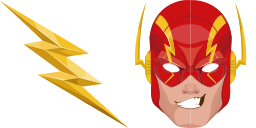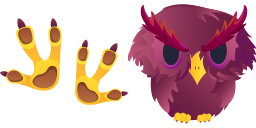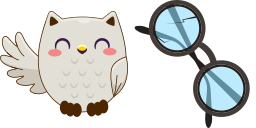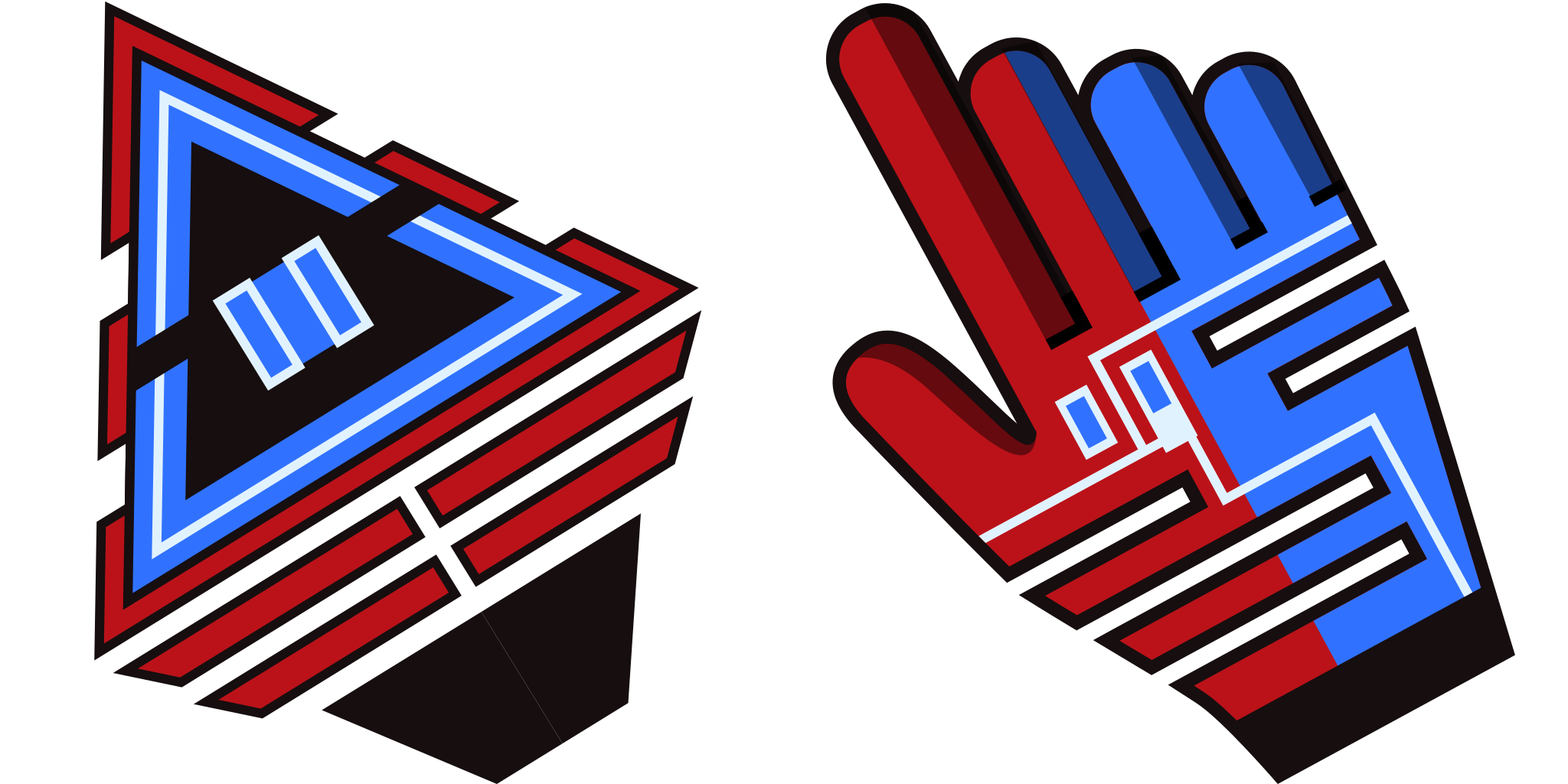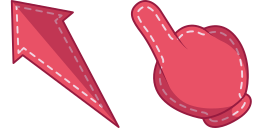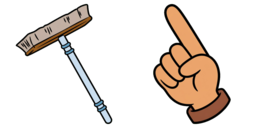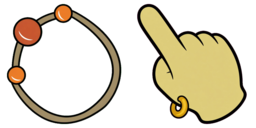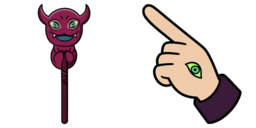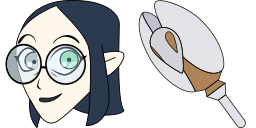
معاينة المؤشر: Lilith Clawthorne - 1 - cute-cursor.com

حزمة مؤشرات

Lilith Clawthorne

The Owl Houseأُضيف 29 مرة

Lilith Clawthorne pointer for Chrome with hero hover. Marvel fan art pack.

إضافة إلى الإضافة

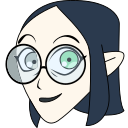
Lilith Clawthorne is a major character of The Owl House, she is Eda's older sister and the former leader and lead historical scholar of the Emperor's Coven. Authentic custom cursor with Lilith Clawthorne in a Cartoons cursors collection for Chrome browser.
ملفات المؤشر

نزّل الملف أو انسخ أكواد CSS وJavaScript وReact وRoblox الجاهزة للاستخدام مع نقطة الالتقاط الصحيحة.
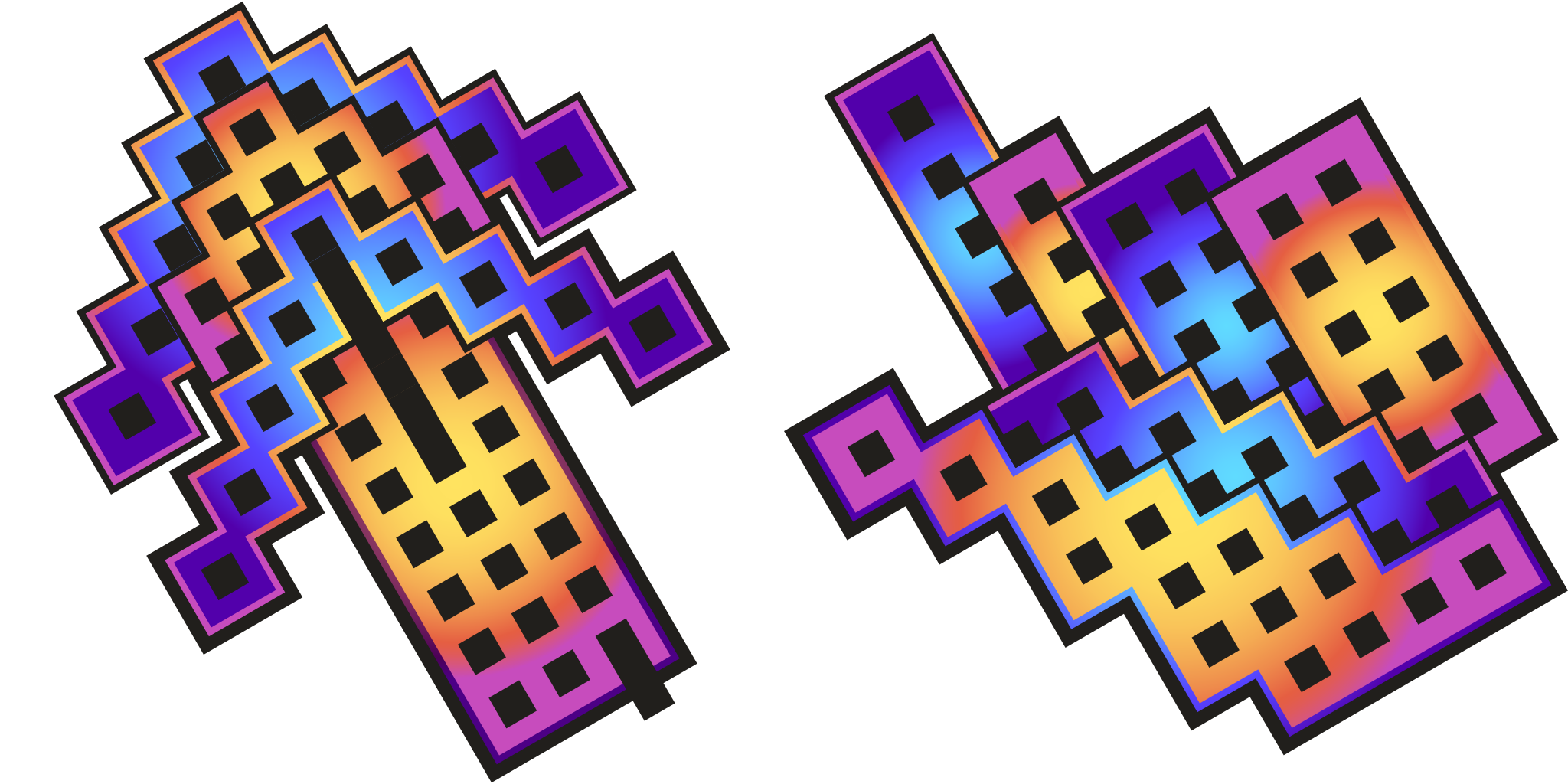
مؤشر - 1 - cute-cursor.com

مؤشر

نزّل الملف أو انسخ كود التضمين لموقعك أو React أو JavaScript أو Roblox.

الصق كود CSS هذا في ورقة الأنماط الخاصة بك. إحداثيات نقطة الالتقاط مضمَّنة بالفعل.

.custom-cursor {
  cursor: url('https://cute-cursor.com/cdn/packs/1059/arrow.png') 59 0, auto;
}

الصق كود JavaScript هذا لتطبيق المؤشر مع نقطة الالتقاط الصحيحة.

const CURSOR_URL = 'https://cute-cursor.com/cdn/packs/1059/arrow.png';
const HOTSPOT_X = 59;
const HOTSPOT_Y = 0;
const CURSOR_FALLBACK = 'auto';

const cursorValue = `url('${CURSOR_URL}') ${HOTSPOT_X} ${HOTSPOT_Y}, ${CURSOR_FALLBACK}`;

// Apply to the whole page
document.body.style.cursor = cursorValue;

// Or apply to a specific element
// const target = document.querySelector('.my-element');
// if (target) target.style.cursor = cursorValue;

انسخ مكوّن React هذا وضَع محتواك بداخله.

import React from 'react';

const CURSOR_URL = 'https://cute-cursor.com/cdn/packs/1059/arrow.png';
const HOTSPOT_X = 59;
const HOTSPOT_Y = 0;
const CURSOR_FALLBACK = 'auto';

export default function CustomCursor({ children, className = '', as: Tag = 'div', style = {}, ...props }) {
  const cursorStyle = {
    cursor: `url('${CURSOR_URL}') ${HOTSPOT_X} ${HOTSPOT_Y}, ${CURSOR_FALLBACK}`,
    ...style,
  };

  return (
    <Tag className={className} style={cursorStyle} {...props}>
      {children}
    </Tag>
  );
}

// Usage:
// <CustomCursor>Your content</CustomCursor>

ارفع الصورة إلى Roblox، واستبدل YOUR_ASSET_ID، ثم الصق هذا الـ LocalScript.

-- Roblox custom cursor
-- Image URL: https://cute-cursor.com/cdn/packs/1059/arrow.png
-- Hotspot: 59, 0
-- Size: 128x128
-- 1. Upload the image to Roblox and copy rbxassetid
-- 2. Replace YOUR_ASSET_ID below
-- 3. Put this LocalScript in StarterPlayer > StarterPlayerScripts

local UserInputService = game:GetService("UserInputService")
local RunService = game:GetService("RunService")
local Players = game:GetService("Players")

local player = Players.LocalPlayer
local playerGui = player:WaitForChild("PlayerGui")

local HOTSPOT_X = 59
local HOTSPOT_Y = 0
local CURSOR_WIDTH = 128
local CURSOR_HEIGHT = 128

local screenGui = Instance.new("ScreenGui")
screenGui.Name = "CustomCursorGui"
screenGui.ResetOnSpawn = false
screenGui.IgnoreGuiInset = true
screenGui.DisplayOrder = 999999
screenGui.Parent = playerGui

local cursor = Instance.new("ImageLabel")
cursor.Name = "CustomCursor"
cursor.BackgroundTransparency = 1
cursor.Size = UDim2.fromOffset(CURSOR_WIDTH, CURSOR_HEIGHT)
cursor.Image = "rbxassetid://YOUR_ASSET_ID"
cursor.ZIndex = 999999
cursor.Parent = screenGui

UserInputService.MouseIconEnabled = false

RunService.RenderStepped:Connect(function()
    local mouseLocation = UserInputService:GetMouseLocation()
    cursor.Position = UDim2.fromOffset(mouseLocation.X - HOTSPOT_X, mouseLocation.Y - HOTSPOT_Y)
end)
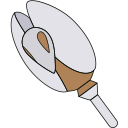
مؤشر تأشير - 2 - cute-cursor.com

مؤشر تأشير

نزّل الملف أو انسخ كود التضمين لموقعك أو React أو JavaScript أو Roblox.

الصق كود CSS هذا في ورقة الأنماط الخاصة بك. إحداثيات نقطة الالتقاط مضمَّنة بالفعل.

.custom-pointer {
  cursor: url('https://cute-cursor.com/cdn/packs/1059/hand.png') 28 0, pointer;
}

الصق كود JavaScript هذا لتطبيق المؤشر مع نقطة الالتقاط الصحيحة.

const CURSOR_URL = 'https://cute-cursor.com/cdn/packs/1059/hand.png';
const HOTSPOT_X = 28;
const HOTSPOT_Y = 0;
const CURSOR_FALLBACK = 'pointer';

const cursorValue = `url('${CURSOR_URL}') ${HOTSPOT_X} ${HOTSPOT_Y}, ${CURSOR_FALLBACK}`;

// Apply to the whole page
document.body.style.cursor = cursorValue;

// Or apply to a specific element
// const target = document.querySelector('.my-element');
// if (target) target.style.cursor = cursorValue;

انسخ مكوّن React هذا وضَع محتواك بداخله.

import React from 'react';

const CURSOR_URL = 'https://cute-cursor.com/cdn/packs/1059/hand.png';
const HOTSPOT_X = 28;
const HOTSPOT_Y = 0;
const CURSOR_FALLBACK = 'pointer';

export default function CustomPointer({ children, className = '', as: Tag = 'div', style = {}, ...props }) {
  const cursorStyle = {
    cursor: `url('${CURSOR_URL}') ${HOTSPOT_X} ${HOTSPOT_Y}, ${CURSOR_FALLBACK}`,
    ...style,
  };

  return (
    <Tag className={className} style={cursorStyle} {...props}>
      {children}
    </Tag>
  );
}

// Usage:
// <CustomPointer>Your content</CustomPointer>

ارفع الصورة إلى Roblox، واستبدل YOUR_ASSET_ID، ثم الصق هذا الـ LocalScript.

-- Roblox custom cursor
-- Image URL: https://cute-cursor.com/cdn/packs/1059/hand.png
-- Hotspot: 28, 0
-- Size: 128x128
-- 1. Upload the image to Roblox and copy rbxassetid
-- 2. Replace YOUR_ASSET_ID below
-- 3. Put this LocalScript in StarterPlayer > StarterPlayerScripts

local UserInputService = game:GetService("UserInputService")
local RunService = game:GetService("RunService")
local Players = game:GetService("Players")

local player = Players.LocalPlayer
local playerGui = player:WaitForChild("PlayerGui")

local HOTSPOT_X = 28
local HOTSPOT_Y = 0
local CURSOR_WIDTH = 128
local CURSOR_HEIGHT = 128

local screenGui = Instance.new("ScreenGui")
screenGui.Name = "CustomCursorGui"
screenGui.ResetOnSpawn = false
screenGui.IgnoreGuiInset = true
screenGui.DisplayOrder = 999999
screenGui.Parent = playerGui

local cursor = Instance.new("ImageLabel")
cursor.Name = "CustomCursor"
cursor.BackgroundTransparency = 1
cursor.Size = UDim2.fromOffset(CURSOR_WIDTH, CURSOR_HEIGHT)
cursor.Image = "rbxassetid://YOUR_ASSET_ID"
cursor.ZIndex = 999999
cursor.Parent = screenGui

UserInputService.MouseIconEnabled = false

RunService.RenderStepped:Connect(function()
    local mouseLocation = UserInputService:GetMouseLocation()
    cursor.Position = UDim2.fromOffset(mouseLocation.X - HOTSPOT_X, mouseLocation.Y - HOTSPOT_Y)
end)
مجاني 100%

احصل على إضافة Cursor Changer

مجاني لمتصفح Chrome. ثبّته مرة واحدة، ثم انقر على إضافة فوق أي مؤشر يعجبك.

التثبيت في Chrome