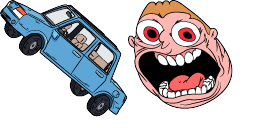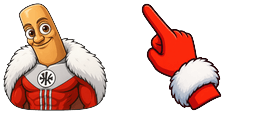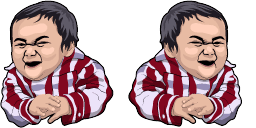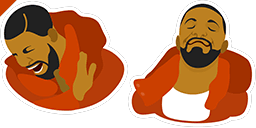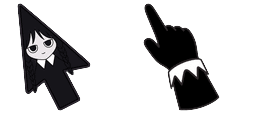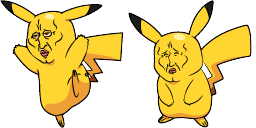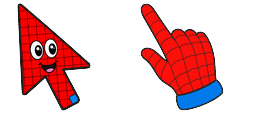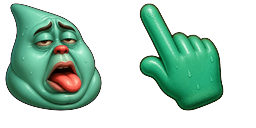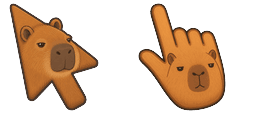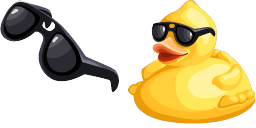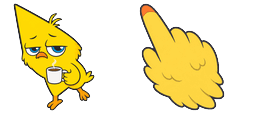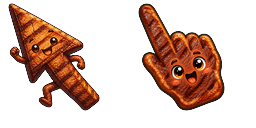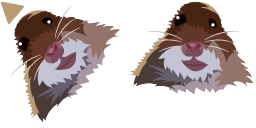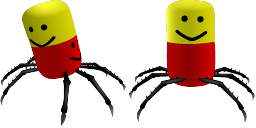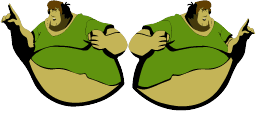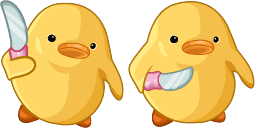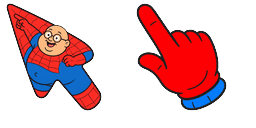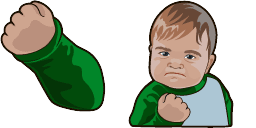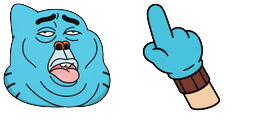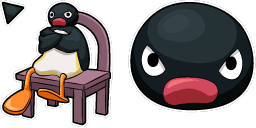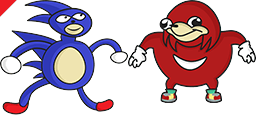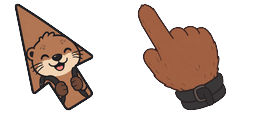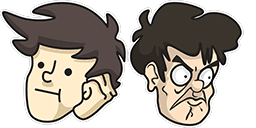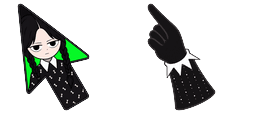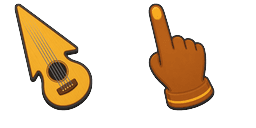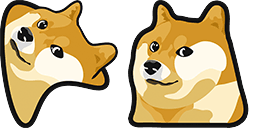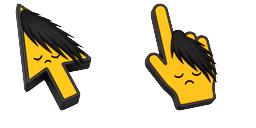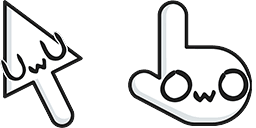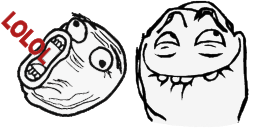
Vista previa del cursor: LOL Guy - 1 - cute-cursor.com

Pack de cursores

LOL Guy

MemesAdded 515 times

Browse with LOL Guy - a Chrome cursor featuring shinobi pointer and ninja hover. Naruto anime fan art.

Añadir a la extensión

The LOL Guy cursor is a hilarious addition to any browser with the Memes Cursor Collection. This cursor features the iconic image of a yellow smiley face with an open mouth and tears of joy streaming down its face. It's perfect for when you need a little pick-me-up during a long day of browsing. The Memes Cursor Collection is a must-have for all meme enthusiasts, featuring popular memes from the internet in cursor form. Make your browsing experience more fun with the LOL Guy cursor.
Archivos del cursor

Descarga el archivo o copia CSS y código de Roblox listos con el hotspot correcto.

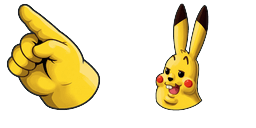
Cursor - 1 - cute-cursor.com

Cursor

Descarga el archivo o copia el código para tu web, React, JavaScript o Roblox.

Pega este CSS en tu hoja de estilos. Las coordenadas del hotspot ya están incluidas.

.custom-cursor {
  cursor: url('https://cute-cursor.com/cdn/packs/10868/arrow.png') 3 8, auto;
}

Pega este JavaScript para aplicar el cursor con el hotspot correcto.

const CURSOR_URL = 'https://cute-cursor.com/cdn/packs/10868/arrow.png';
const HOTSPOT_X = 3;
const HOTSPOT_Y = 8;
const CURSOR_FALLBACK = 'auto';

const cursorValue = `url('${CURSOR_URL}') ${HOTSPOT_X} ${HOTSPOT_Y}, ${CURSOR_FALLBACK}`;

// Apply to the whole page
document.body.style.cursor = cursorValue;

// Or apply to a specific element
// const target = document.querySelector('.my-element');
// if (target) target.style.cursor = cursorValue;

Copia este componente React y envuelve tu contenido con él.

import React from 'react';

const CURSOR_URL = 'https://cute-cursor.com/cdn/packs/10868/arrow.png';
const HOTSPOT_X = 3;
const HOTSPOT_Y = 8;
const CURSOR_FALLBACK = 'auto';

export default function CustomCursor({ children, className = '', as: Tag = 'div', style = {}, ...props }) {
  const cursorStyle = {
    cursor: `url('${CURSOR_URL}') ${HOTSPOT_X} ${HOTSPOT_Y}, ${CURSOR_FALLBACK}`,
    ...style,
  };

  return (
    <Tag className={className} style={cursorStyle} {...props}>
      {children}
    </Tag>
  );
}

// Usage:
// <CustomCursor>Your content</CustomCursor>

Sube la imagen a Roblox, reemplaza YOUR_ASSET_ID y pega este LocalScript.

-- Roblox custom cursor
-- Image URL: https://cute-cursor.com/cdn/packs/10868/arrow.png
-- Hotspot: 3, 8
-- Size: 128x128
-- 1. Upload the image to Roblox and copy rbxassetid
-- 2. Replace YOUR_ASSET_ID below
-- 3. Put this LocalScript in StarterPlayer > StarterPlayerScripts
local UserInputService = game:GetService("UserInputService")
local RunService = game:GetService("RunService")
local Players = game:GetService("Players")

local player = Players.LocalPlayer

local playerGui = player:WaitForChild("PlayerGui")

local HOTSPOT_X = 3
local HOTSPOT_Y = 8
local CURSOR_WIDTH = 128
local CURSOR_HEIGHT = 128

local screenGui = Instance.new("ScreenGui")
screenGui.Name = "CustomCursorGui"
screenGui.ResetOnSpawn = false
screenGui.IgnoreGuiInset = true
screenGui.DisplayOrder = 999999
screenGui.Parent = playerGui

local cursor = Instance.new("ImageLabel")
cursor.Name = "CustomCursor"
cursor.BackgroundTransparency = 1
cursor.Size = UDim2.fromOffset(CURSOR_WIDTH, CURSOR_HEIGHT)
cursor.Image = "rbxassetid://YOUR_ASSET_ID"
cursor.ZIndex = 999999
cursor.Parent = screenGui

UserInputService.MouseIconEnabled = false

RunService.RenderStepped:Connect(function()
    local mouseLocation = UserInputService:GetMouseLocation()
    cursor.Position = UDim2.fromOffset(mouseLocation.X - HOTSPOT_X, mouseLocation.Y - HOTSPOT_Y)
end)
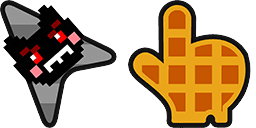
Puntero - 2 - cute-cursor.com

Puntero

Descarga el archivo o copia el código para tu web, React, JavaScript o Roblox.

Pega este CSS en tu hoja de estilos. Las coordenadas del hotspot ya están incluidas.

.custom-pointer {
  cursor: url('https://cute-cursor.com/cdn/packs/10868/hand.png') 29 1, pointer;
}

Pega este JavaScript para aplicar el cursor con el hotspot correcto.

const CURSOR_URL = 'https://cute-cursor.com/cdn/packs/10868/hand.png';
const HOTSPOT_X = 29;
const HOTSPOT_Y = 1;
const CURSOR_FALLBACK = 'pointer';

const cursorValue = `url('${CURSOR_URL}') ${HOTSPOT_X} ${HOTSPOT_Y}, ${CURSOR_FALLBACK}`;

// Apply to the whole page
document.body.style.cursor = cursorValue;

// Or apply to a specific element
// const target = document.querySelector('.my-element');
// if (target) target.style.cursor = cursorValue;

Copia este componente React y envuelve tu contenido con él.

import React from 'react';

const CURSOR_URL = 'https://cute-cursor.com/cdn/packs/10868/hand.png';
const HOTSPOT_X = 29;
const HOTSPOT_Y = 1;
const CURSOR_FALLBACK = 'pointer';

export default function CustomPointer({ children, className = '', as: Tag = 'div', style = {}, ...props }) {
  const cursorStyle = {
    cursor: `url('${CURSOR_URL}') ${HOTSPOT_X} ${HOTSPOT_Y}, ${CURSOR_FALLBACK}`,
    ...style,
  };

  return (
    <Tag className={className} style={cursorStyle} {...props}>
      {children}
    </Tag>
  );
}

// Usage:
// <CustomPointer>Your content</CustomPointer>

Sube la imagen a Roblox, reemplaza YOUR_ASSET_ID y pega este LocalScript.

-- Roblox custom cursor
-- Image URL: https://cute-cursor.com/cdn/packs/10868/hand.png
-- Hotspot: 29, 1
-- Size: 128x128
-- 1. Upload the image to Roblox and copy rbxassetid
-- 2. Replace YOUR_ASSET_ID below
-- 3. Put this LocalScript in StarterPlayer > StarterPlayerScripts

local UserInputService = game:GetService("UserInputService")
local RunService = game:GetService("RunService")
local Players = game:GetService("Players")

local player = Players.LocalPlayer
local playerGui = player:WaitForChild("PlayerGui")

local HOTSPOT_X = 29
local HOTSPOT_Y = 1
local CURSOR_WIDTH = 128
local CURSOR_HEIGHT = 128

local screenGui = Instance.new("ScreenGui")
screenGui.Name = "CustomCursorGui"
screenGui.ResetOnSpawn = false
screenGui.IgnoreGuiInset = true
screenGui.DisplayOrder = 999999
screenGui.Parent = playerGui

local cursor = Instance.new("ImageLabel")
cursor.Name = "CustomCursor"
cursor.BackgroundTransparency = 1
cursor.Size = UDim2.fromOffset(CURSOR_WIDTH, CURSOR_HEIGHT)
cursor.Image = "rbxassetid://YOUR_ASSET_ID"
cursor.ZIndex = 999999
cursor.Parent = screenGui

UserInputService.MouseIconEnabled = false

RunService.RenderStepped:Connect(function()
    local mouseLocation = UserInputService:GetMouseLocation()
    cursor.Position = UDim2.fromOffset(mouseLocation.X - HOTSPOT_X, mouseLocation.Y - HOTSPOT_Y)
end)
100 % gratis

Get the Cursor Changer extension

Gratis en Chrome. Instala la extensión y pulsa «Añadir» en cualquier cursor.

Instalar en Chrome